
Quick answer: Choose N.I.N.A. if you image deep-sky targets from a Windows PC and want free, fully automated, multi-target sequences with any ASCOM or native-driver hardware. Choose SharpCap for planetary, lunar and solar video capture, live stacking (EAA) and quick polar alignment; the free version covers most work and SharpCap Pro unlocks the advanced tools. Choose ASIAIR if your camera, focuser and filter wheel are ZWO and you want phone or tablet control without a laptop.
As an Amazon Associate, Midwest Astronomy earns from qualifying purchases.
Capture software is the part of the hobby that decides how much of your clear night you spend imaging and how much you spend fiddling. The three platforms below dominate amateur rigs, and all three can connect a camera, slew a mount, plate solve, focus, guide and save frames. The differences are in which hardware they accept, how far they automate, which kinds of imaging they are built around, and what they need to run on. Versions and feature lists here are as of November 2026.
The three platforms at a glance
| N.I.N.A. | SharpCap | ASIAIR | |
|---|---|---|---|
| What it is | Open-source Windows imaging suite | Windows capture app for video, deep-sky and EAA | Dedicated controller box plus phone/tablet app |
| Current version | 3.2 (stable) | 4.1 (bug-fix releases; 4.2 in development) | App 3.1 on ASIAIR Plus and Mini |
| Cost model | Free (donations welcome) | Free; SharpCap Pro is an annual license | Free app; the ASIAIR hardware is a one-time purchase |
| Runs on | Windows PC (laptop, mini PC) | Windows PC | ASIAIR unit; controlled from iOS, Android or Apple-silicon Mac |
| Camera support | Broad: ASCOM plus native drivers for many brands, DSLRs | Broad: native drivers for many astro cameras, ASCOM, DirectShow webcams | ZWO astro cameras plus a list of supported DSLR and mirrorless bodies |
| Best at | Unattended deep-sky sequences | Planetary/lunar/solar video, live stacking, polar alignment | Simple, portable all-in-one deep-sky control |
| Guiding | Connects to PHD2 (and other guiders) | Connects to PHD2 for dithering during live stacks | Built-in guiding |
| Plate solving | ASTAP, PlateSolve, astrometry.net and others | Built-in support for external solvers (ASTAP and others) | Built-in |
| Extensibility | Large plugin ecosystem, advanced sequencer | Python scripting (Pro) | Closed system |
The table hides one big philosophical difference. N.I.N.A. and SharpCap are software you install on a Windows computer that you supply, so they work with almost anything that has a driver. ASIAIR is an appliance: ZWO sells the controller, the app is free, and the whole system is designed around ZWO devices.
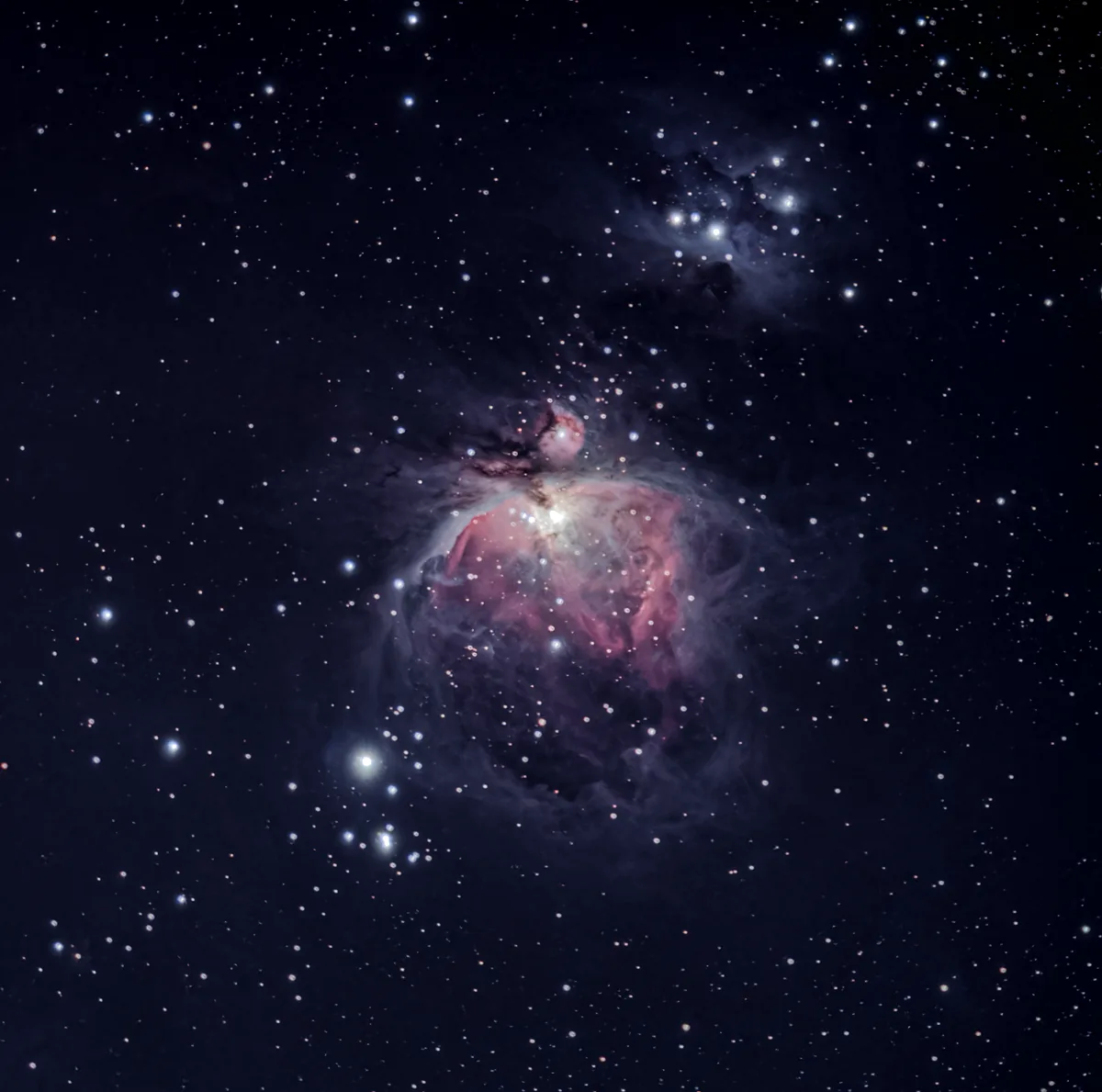
N.I.N.A.: the free deep-sky automation suite
N.I.N.A. (Nighttime Imaging ‘N’ Astronomy) is free and open source, with its code on GitHub. The current stable release is version 3.2, with a 3.2 hotfix in release-candidate testing and 3.3 in nightly builds. Its project page lists full control of cameras, mounts, filter wheels, focusers, rotators, switches, guiders, weather devices, domes and safety monitors.
Where N.I.N.A. shines:
- Sequencing. The Advanced Sequencer lets you build a night from instructions, loops, conditions and triggers: cool the camera, wait for astronomical darkness, slew and center with plate solving, autofocus when HFR drifts or temperature changes, run a meridian flip, switch targets when the first one sets, then warm the camera and park. Templates make this repeatable.
- Framing and planning. A sky atlas of more than 10,000 deep-sky objects with altitude charts, plus a framing assistant that pulls survey images so you can set rotation and mosaic panels before the night starts.
- Hardware breadth. ASCOM and Alpaca devices plus native drivers for popular astro-camera brands. Version 3.2 added native ZWO EAF and SVBony camera drivers, and current beta builds add direct-IP Alpaca connections.
- Plugins. Three-point polar alignment, advanced autofocus analysis, target scheduling and many equipment-specific tools are added through the plugin manager.
- Data quality tools. Every frame gets statistics, an automatic stretch for preview, star detection with half-flux radius (HFR) and an exposure recommendation.
Trade-offs: N.I.N.A. needs a Windows computer at the mount (a laptop or a small fanless mini PC you reach by remote desktop), plus drivers for each device. The first setup takes an evening. Once a profile works, though, it is the most capable free option for unattended deep-sky imaging. Guiding is handled by connecting to PHD2, which is how most users run it; our PHD2 guiding tutorial covers that side.
SharpCap: the capture specialist for planets, EAA and polar alignment
SharpCap started as a webcam capture tool and became the default for high-frame-rate planetary, lunar and solar video, then added live stacking and deep-sky tools. The current release line is 4.1; its developer announced in January 2026 that 4.1 now gets bug fixes and camera SDK updates only, with new features going into SharpCap 4.2, which will drop 32-bit builds and require Windows 10 or later.
Free vs SharpCap Pro. The free version captures video and stills, live stacks and measures polar alignment. A SharpCap Pro license (an inexpensive annual subscription for personal use) unlocks the power tools. According to SharpCap’s documentation, the Pro features include:
- Polar alignment adjustment guidance (measuring the error stays free)
- Planetary live stacking with wavelet sharpening
- Live dark subtraction, flat correction, background subtraction, banding suppression and satellite-trail removal
- Advanced live stacking: sigma-clipped stacking, comet alignment, dithering via PHD2
- The deep-sky, solar-system and mosaic sequence planners (without a license, sequences stop after five minutes for deep sky)
- Automatic focus scans and refocus, Smart Histogram exposure guidance, Python scripting and auto-stretch
Where SharpCap shines: Planetary and lunar work, where you capture thousands of short frames in a small region of interest and save them as SER video for a lucky-imaging stacker such as AutoStakkert!. It is also the friendliest tool for electronically assisted astronomy (EAA), where you watch a live stack build on screen, and its polar alignment routine is quick and accurate enough that many N.I.N.A. users keep SharpCap installed just for that. Our polar alignment guide compares it with other methods.
Trade-offs: SharpCap can sequence deep-sky captures, but multi-target, condition-driven, all-night automation is not its focus. If your nights are mostly long narrowband projects, N.I.N.A. or ASIAIR will feel more natural.
ASIAIR: the all-in-one controller
ASIAIR is a small computer you mount on the telescope. It powers and connects the camera, guide camera, focuser, filter wheel and mount, creates its own Wi-Fi network, and you run everything from the ASIAIR app on a phone, tablet or Apple-silicon Mac. ZWO currently sells two units, the ASIAIR Plus and the ASIAIR Mini; the older ASIAIR Pro is discontinued. App version 3.1 was released on November 23, 2026, adding Telescope Network device sharing, batch file export, autofocus in Video mode, guiding-calibration recommendations, a 3×3 grid view and sensor-tilt analysis from star detection. Version 3.0 introduced Telescope Network for remote control over the internet.
Where ASIAIR shines:
- Speed of setup. Connect cables, open the app, and polar alignment, plate solving, autofocus, guiding and capture all live in one interface.
- Plan (Autorun) mode. Build multi-target plans with exposure, filter and frame counts. Once started, the plan runs on the box itself, so a phone going to sleep does not stop the session.
- Portability. No laptop, no Windows updates and fewer cables. The unit also distributes 12 V power to devices.
- Live stacking, mosaics and video mode for EAA and planetary capture.
Trade-offs: The main imaging and guide cameras must be ZWO (or a supported DSLR or mirrorless body); QHY, Player One, ToupTek and other third-party astro cameras are not supported. Mounts connect through supported drivers, so check the current compatibility list before you buy. You also get less control than N.I.N.A. offers over custom logic, and there are no third-party plugins.
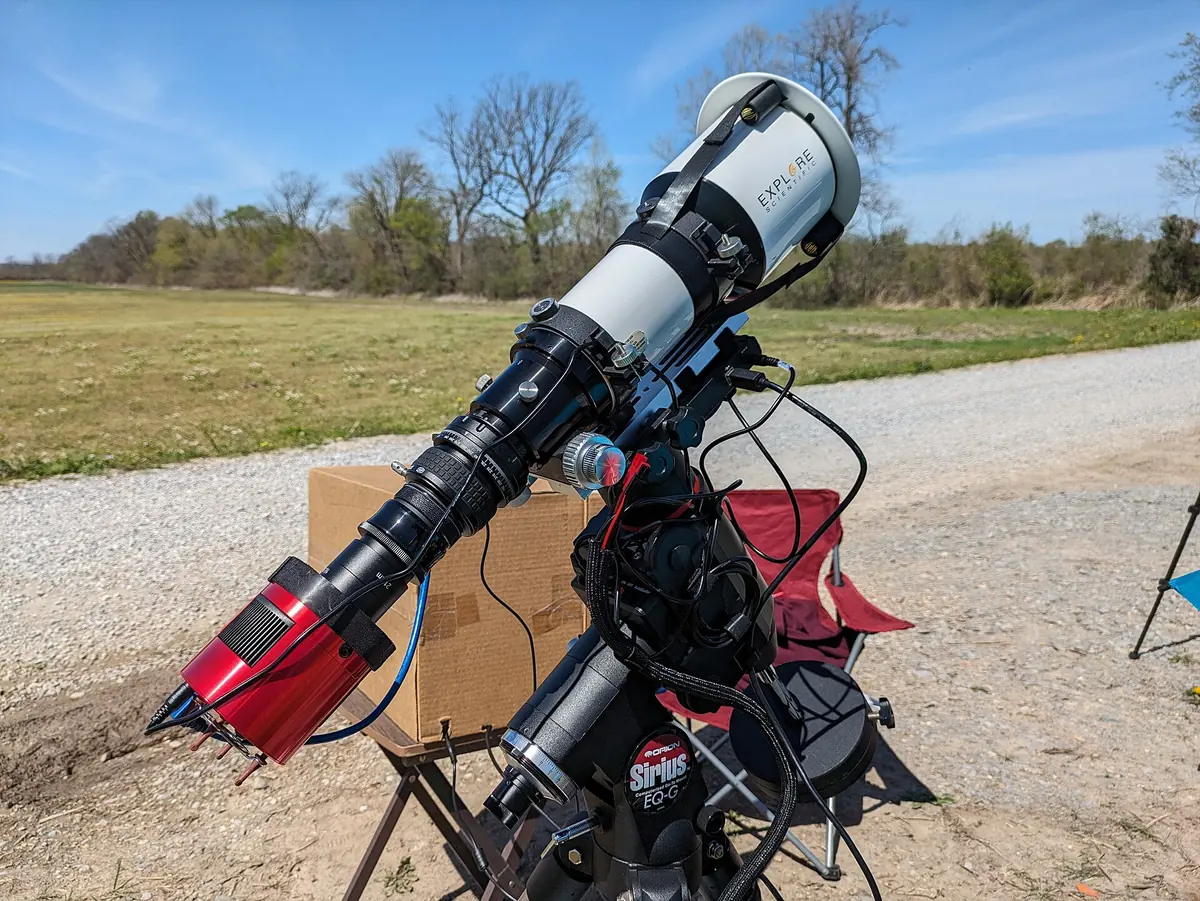
How they compare on the jobs that matter
Polar alignment
All three handle it well. SharpCap’s routine uses a camera and guide scope pointed near the pole; ASIAIR offers polar alignment including an all-sky mode for when the pole is blocked; N.I.N.A. uses the popular three-point polar alignment plugin, which works anywhere in the sky through your main camera.
Focusing
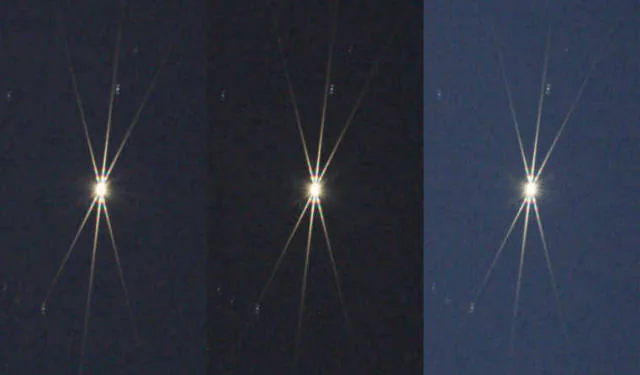
N.I.N.A. runs HFR-based autofocus with any ASCOM or native focuser and can trigger it on time, filter change, temperature or HFR drift. ASIAIR autofocuses with a ZWO EAF. SharpCap has focus scores for manual focusing free, and automatic focus scans and refocus with Pro. Manual focusers still work with all three; a Bahtinov mask plus each program’s focus aid gets you close.
Guiding and dithering
N.I.N.A. hands guiding to PHD2 and dithers between frames, which you want for nearly every deep-sky project. ASIAIR has its own guiding with dithering built into plans. SharpCap can dither through PHD2 during live stacking (a Pro feature). If you already understand PHD2’s graph, N.I.N.A. gives you the most visibility into guiding.
Calibration frames
N.I.N.A. has a flat wizard that sets exposure automatically and works with flat panels; ASIAIR can capture darks, flats and bias in plans; SharpCap can apply darks and flats live (Pro) and capture library frames. Whichever you use, our calibration frames guide explains what each frame must match.
Planetary, lunar and solar
SharpCap is the specialist: region-of-interest capture, high frame rates, SER output and seeing-triggered capture (Pro). ASIAIR’s Video mode is capable for casual planetary work and now supports autofocus. N.I.N.A. is built for deep sky; most N.I.N.A. users switch to SharpCap or FireCapture for planets.
Hardware it runs on
N.I.N.A. and SharpCap both need Windows. Many imagers mount a small fanless mini PC on the scope and connect over remote desktop from indoors, which in a Midwest winter is a real comfort upgrade. ASIAIR replaces that computer with its own box and runs from a phone or tablet.
Which one should you choose?
- You use a DSLR or mirrorless camera on a star tracker. Start with what your camera already offers (an intervalometer) or try N.I.N.A., which supports many DSLRs and costs nothing. An ASIAIR also works if your body is on its supported list.
- Your camera, guide camera, EAF and filter wheel are all ZWO, and you want simplicity. An ASIAIR Plus or ASIAIR Mini is the shortest path from setup to data, especially if you image from different sites.
- You mix brands or plan to automate a permanent setup. N.I.N.A. is the flexible choice: any ASCOM or Alpaca device, plugins, schedulers and safety monitors.
- You mostly image planets, the Moon or the Sun, or do EAA. SharpCap, with a Pro license once you want planetary live stacking, live calibration or auto-stretch.
- You do a bit of everything. Run N.I.N.A. for deep sky and SharpCap for planets and polar alignment on the same Windows machine. They do not conflict, as long as only one program connects to a device at a time.
A dedicated astro camera opens up more of these tools than a DSLR does; our comparison of a dedicated astro camera vs DSLR covers the trade-offs. And whichever capture platform you choose, the frames still go into a stacking program afterwards. See our astrophotography stacking software comparison for what comes next.
Practical tips whichever you pick
- Build and test your profile indoors. Connect every device in daylight, confirm the camera, filter wheel order, focuser direction and mount site coordinates, then save the profile.
- Use a powered USB hub or the ASIAIR’s ports. Most disconnects blamed on software are cable or power problems. A powered USB 3.0 hub on the mount and good cable management prevent most of them.
- Keep the computer’s clock and location right. Plate solving and meridian flips depend on correct time and site coordinates.
- Do not update the night of a session. N.I.N.A., SharpCap and ASIAIR all release updates regularly; ASIAIR 3.0 even required a firmware update on first use. Update on a cloudy night and test.
- Keep data in one predictable folder structure with target, filter, exposure and date in the file name. All three let you set naming patterns.
Frequently asked questions
Neither is better outright. N.I.N.A. is free, supports far more hardware through ASCOM, Alpaca and native drivers, and offers deeper automation and plugins, but it needs a Windows computer. ASIAIR is simpler and more portable and runs from a phone or tablet, but it is designed for ZWO cameras and accessories.
Yes. SharpCap can be downloaded and used for free, including video capture, basic live stacking and polar alignment error measurement. A SharpCap Pro annual license unlocks features such as polar alignment adjustment guidance, planetary live stacking, live dark and flat correction, automatic focusing and full-length sequences.
ASIAIR supports ZWO astronomy cameras and a list of supported DSLR and mirrorless cameras. Third-party astronomy cameras such as QHY, Player One and ToupTek are not supported, so check ZWO's compatibility list before buying.
Yes. Many imagers use N.I.N.A. for deep-sky sequences and SharpCap for planetary capture or polar alignment. Just make sure only one program is connected to a camera or mount at a time.
No. N.I.N.A. is a Windows application. Mac and Linux users typically choose KStars/Ekos, or an ASIAIR controlled from an iPad, iPhone, Android device or Apple-silicon Mac.
SharpCap is the strongest of the three for planets, the Moon and the Sun because of its high-frame-rate region-of-interest capture, SER output and seeing-triggered capture. ASIAIR's Video mode is fine for casual planetary work; N.I.N.A. is built mainly for deep-sky imaging.